
How to use Pigles
Short, friendly guides for every part of the app. Pick a topic and you'll be up to speed in a couple minutes. Start with the first one, then jump around however you like.
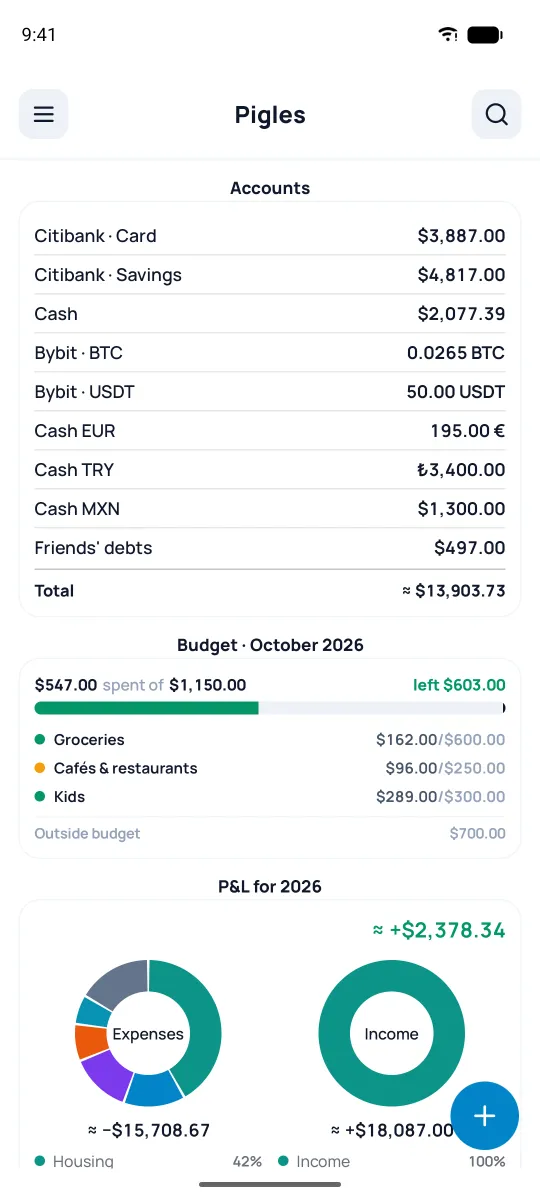
- 1Getting startedAccounts, transactions, categories, search, splitting a receipt
- 2Transfers between accountsIncluding different currencies
- 3Settings & reference listsCategories, payees & payers, projects, tags, banks
- 4Your accountsGrouping, lists, closed accounts
- 5Home screen widgetsYour own set of blocks up top
- 6Import from other appsCash Organizer, Money Manager, CoinFlow, and others
- 7Export your dataExcel and CSV, filter by any field
- 8Scheduled operationsRepeats, auto-post, and a forecast
- 9BudgetsA gentle tracker: limits, baskets, forecast
- 10ReportsNet worth, balances, profit & loss
- 11CurrenciesYour own currencies, crypto, manual rates
- 12Currency calculatorQuick conversions at today's rates
- 13Backups & moving devices.pig file, restore, new phone
- 14Security: PIN & biometricsPIN, biometrics, app lock
- 15Databases, cloud & subscriptionSeveral databases, cloud database, subscription
- 16AI chatConnecting an AI provider, API key, privacy